A lightweight, self-hosted monitoring dashboard for your web apps, APIs, databases and servers — with status pages, email alerts, SSL tracking, dark mode, and branding you can make your own.
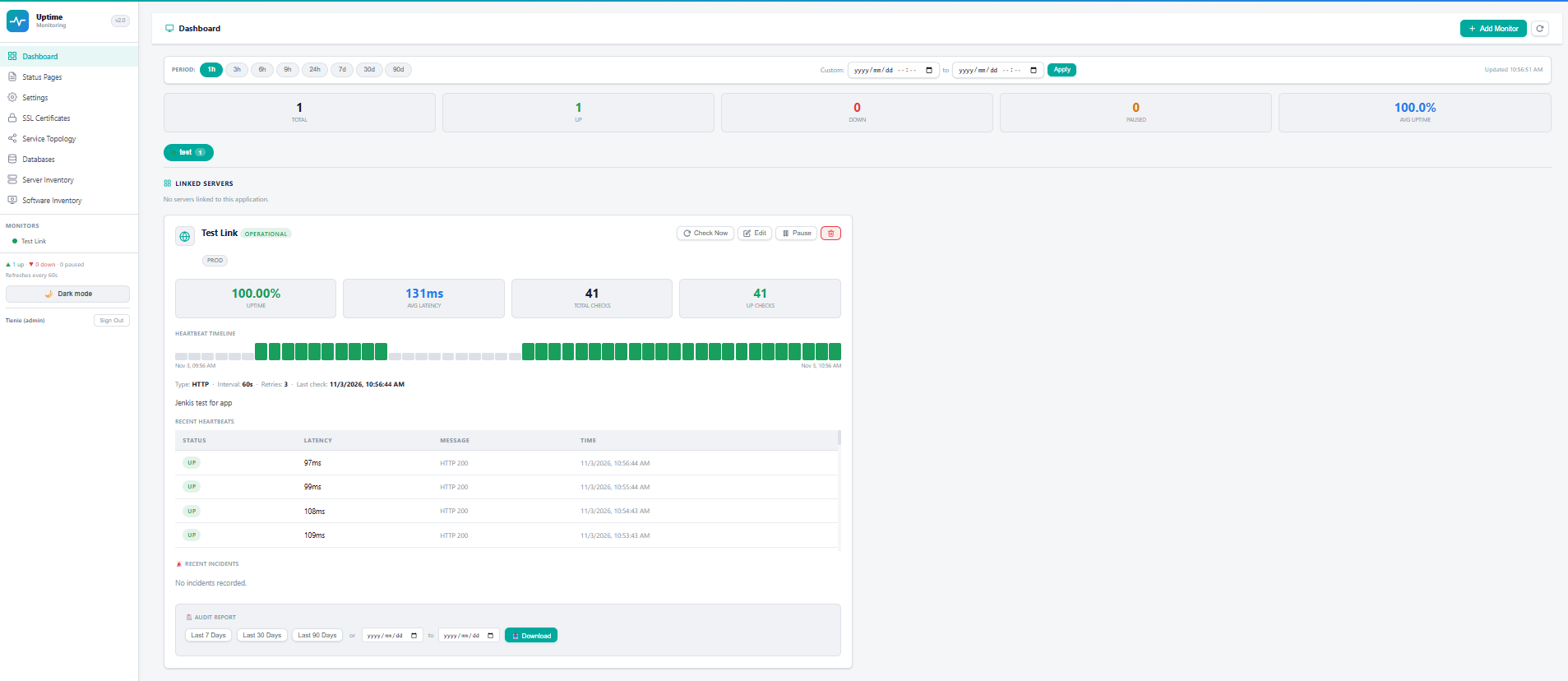
One dashboard for uptime, databases, servers and certificates — without the enterprise price tag.
HTTP/HTTPS, TCP port and keyword checks with retries, latency tracking and per-service history.
Live checks for SQL Server and PostgreSQL — connection health plus active, running and blocking queries.
Lightweight agents report CPU, RAM, disk, uptime, patch status and installed software per server.
See which certificates are healthy, expiring soon, or critical — before they catch you out.
Share clean public status pages with stakeholders, grouped by application, with uptime history.
Email alerts on status changes, routed to different teams for monitors, servers, software and patches.
Set your own app name, subtitle and logo from the settings — dashboard, login and status pages.
A polished interface that's easy on the eyes, whether on a wall display or late-night on-call.
Admin, viewer and database-only roles so the right people see the right things.
No install, no setup files — just download and run.
Grab the package and unzip UptimeMonitor.exe into a folder of its own.
Double-click the app. Your browser opens automatically and an icon appears in your system tray.
On first run, set your admin username and password right in the browser — no config files.
Set your branding, then add your first monitors, servers and status pages.
Start free. Upgrade to PRO when you outgrow 4 monitors.
Already have a key? Enter it in the app under Settings → About → Licence & Plan.
Free to download and run on your own infrastructure.
Windows 10/11 · no install needed · runs in the system tray · ~24 MB
UptimeMonitor.exe in a folder of its own, e.g. C:\UptimeMonitor. No Python or install needed.UptimeMonitor.exe. Your browser opens automatically at http://localhost:5000.sudo dnf install ./uptime-monitor-1.0.0-1.fc45.x86_64.rpmhttp://<your-server>:5000/systemctl status uptime-monitor
journalctl -u uptime-monitor -fLINUX_SETUP/nginx-uptime-monitor.conf. Offline servers: see the OFFLINE section in the package README.
Debian/Ubuntu (.deb) is coming soon — let us know if you need it.
Keep your secret.key and encryption.key safe and backed up — the latter decrypts stored database credentials.